
KioMaD
Back to entrance فارسی
Back to projectsBuilt independently

Rift CS2 Beta

A free Windows tool for match preparation.

Free public Beta

Rift CS2 Beta

Beta · Available for testing

Match preparation

For players everywhere.

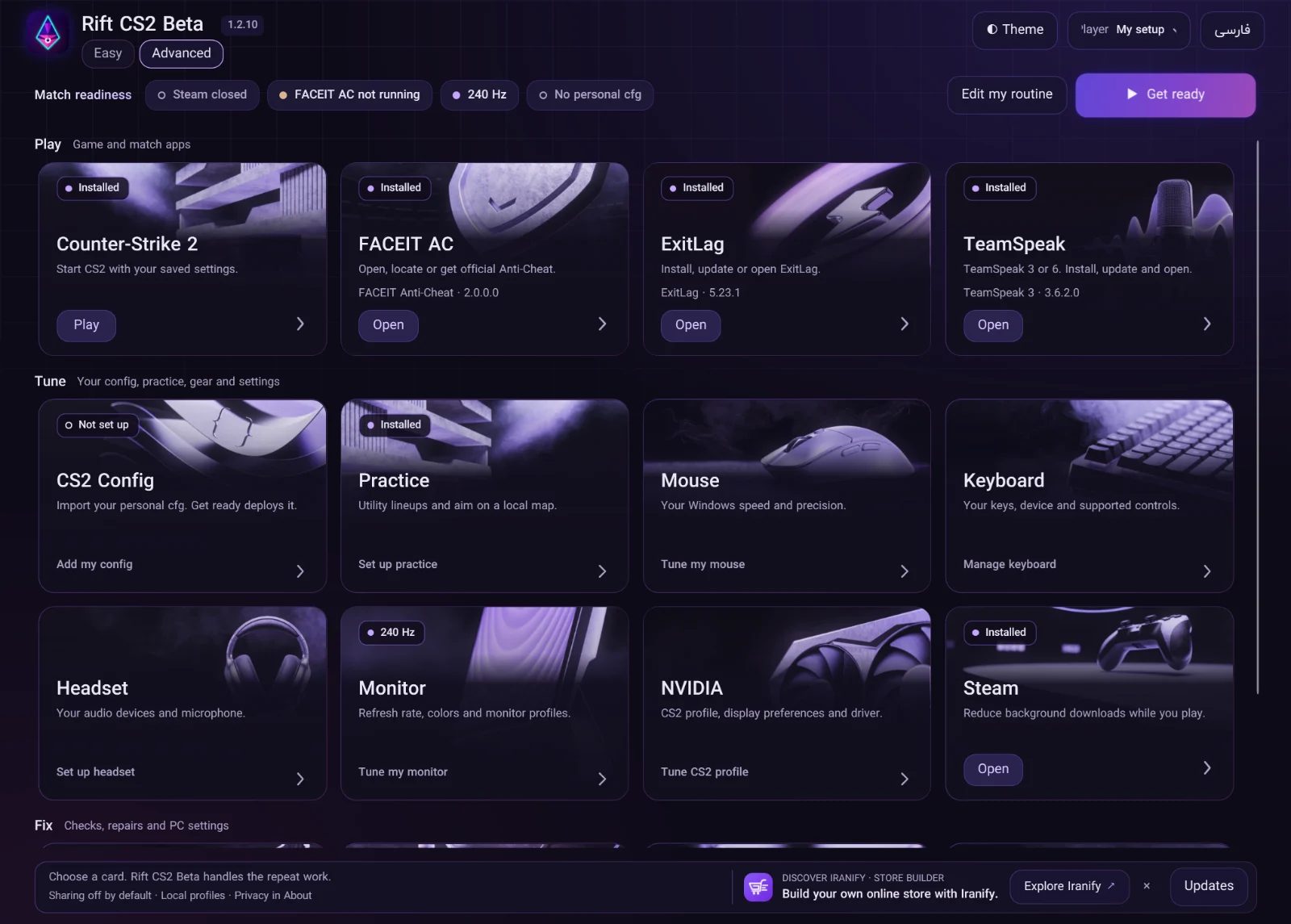
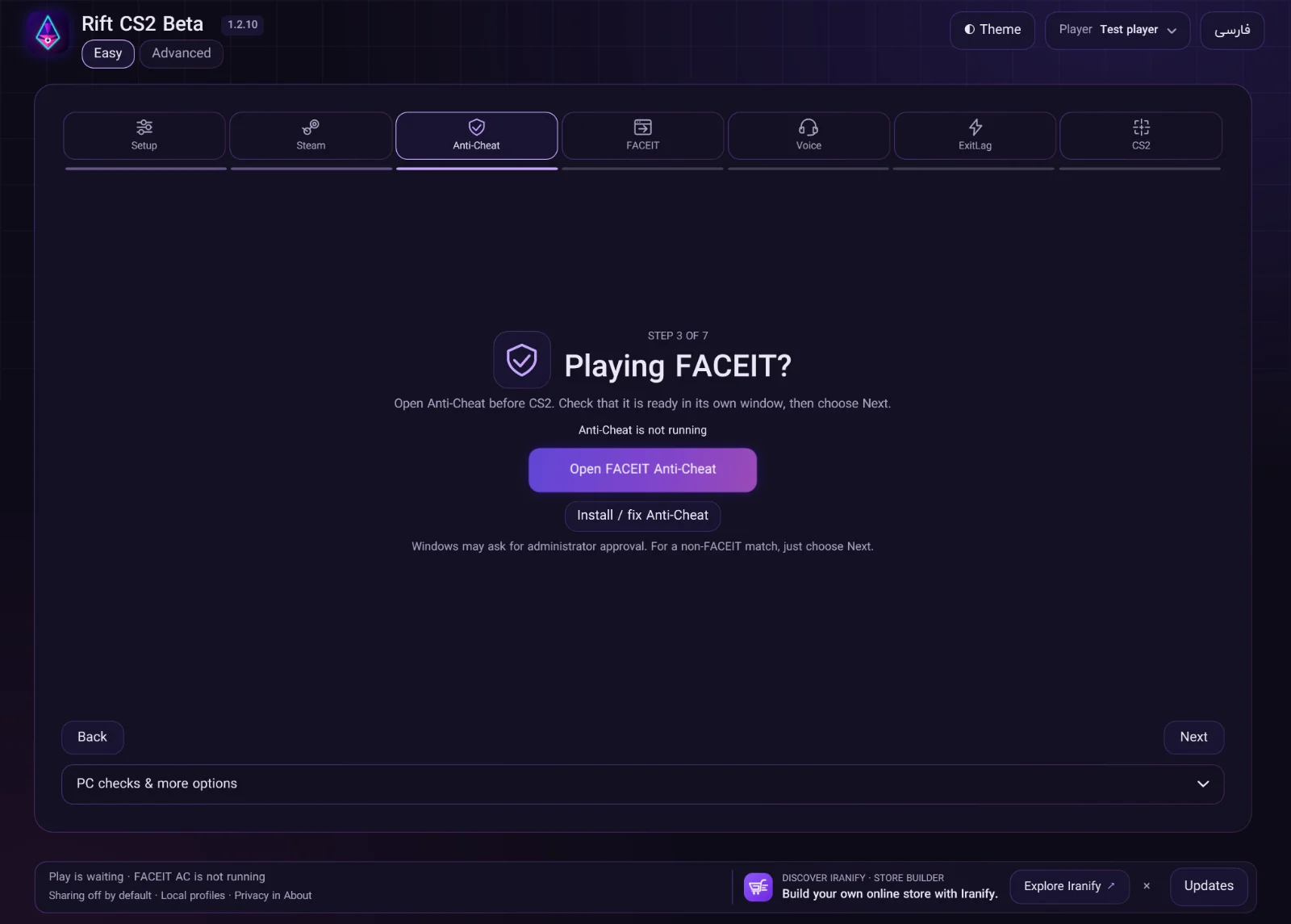
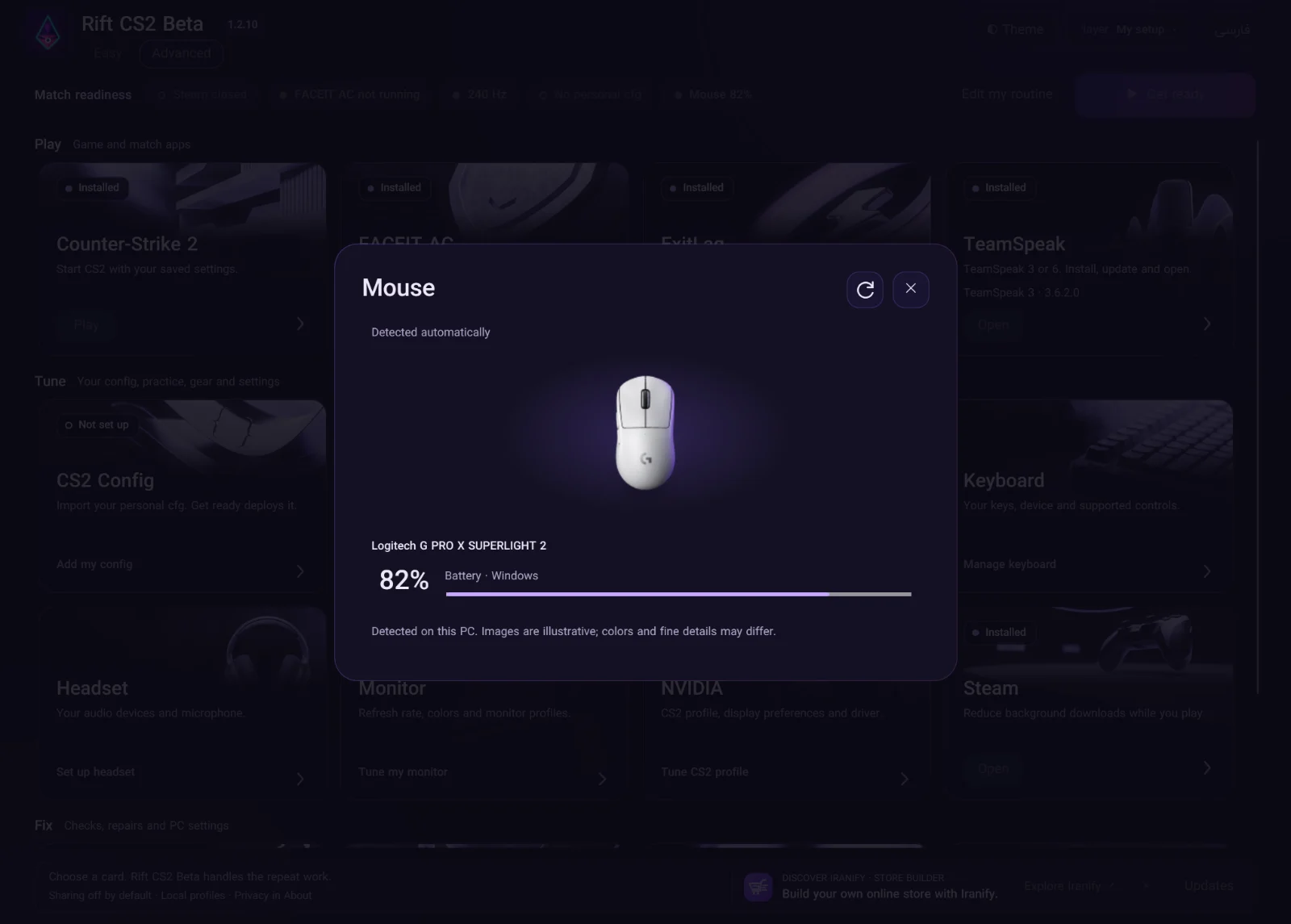
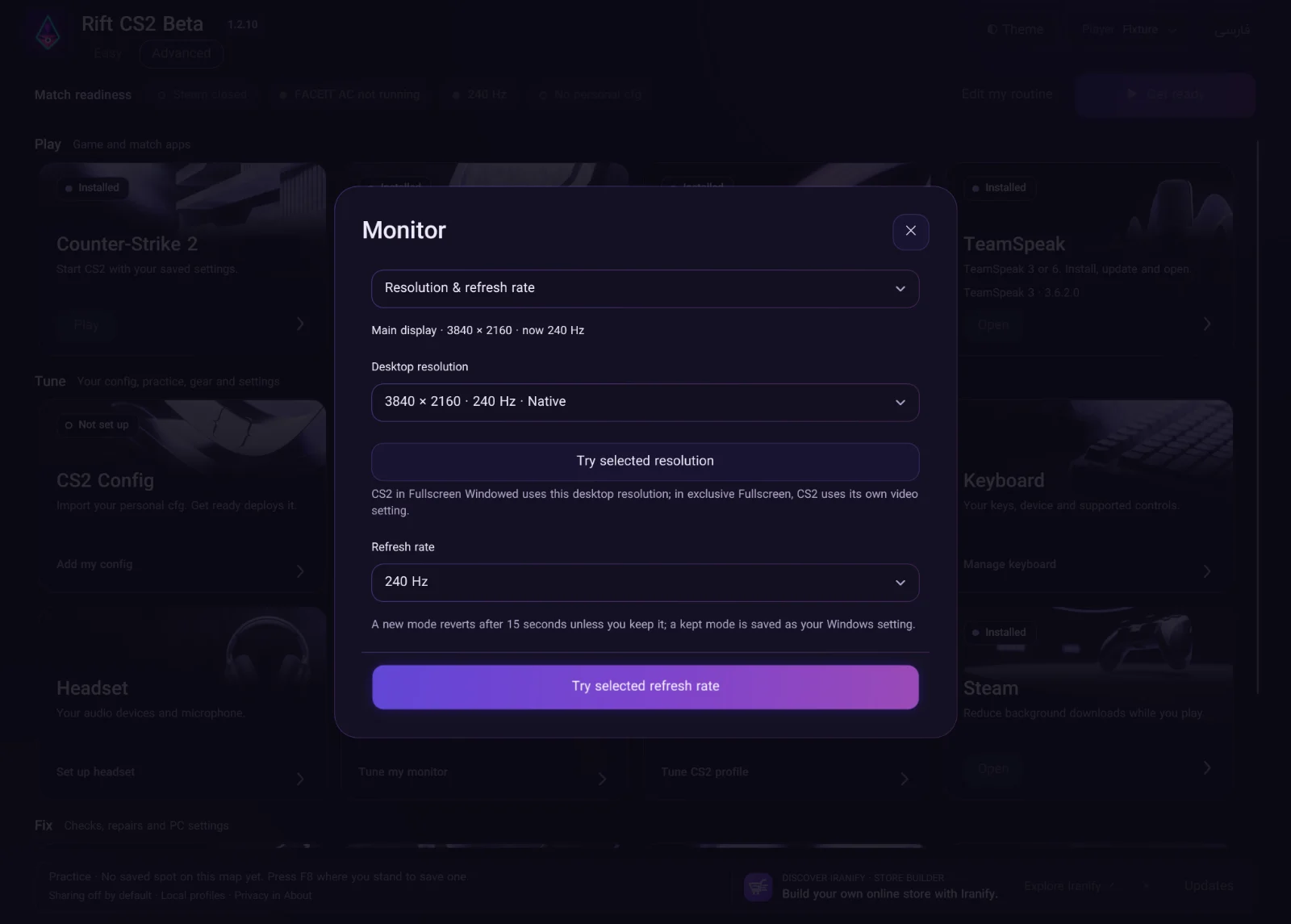
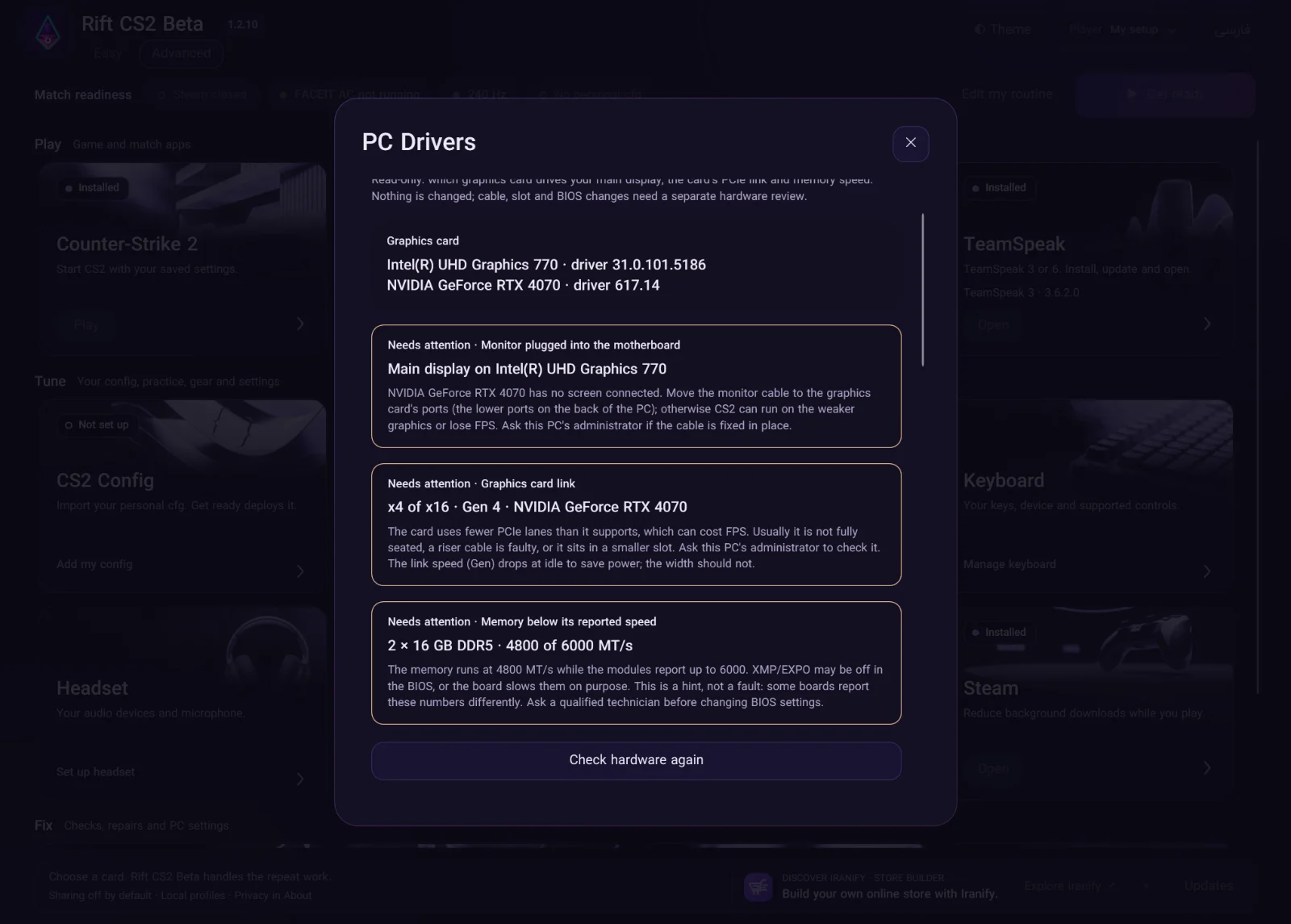
I made this free Windows tool for gamers in Iran and around the world. It brings display and supported NVIDIA settings, power options, Steam, voice chat and FACEIT into one guided setup, with restore controls for supported changes. Less time getting ready, more time playing.

  • C#
  • WPF
  • Windows x64
Take a closer look
  • Simple step-by-step mode and automatic preparation.
  • ExitLag or GearUP selection, TeamSpeak, FACEIT Anti-Cheat and the FACEIT login page.
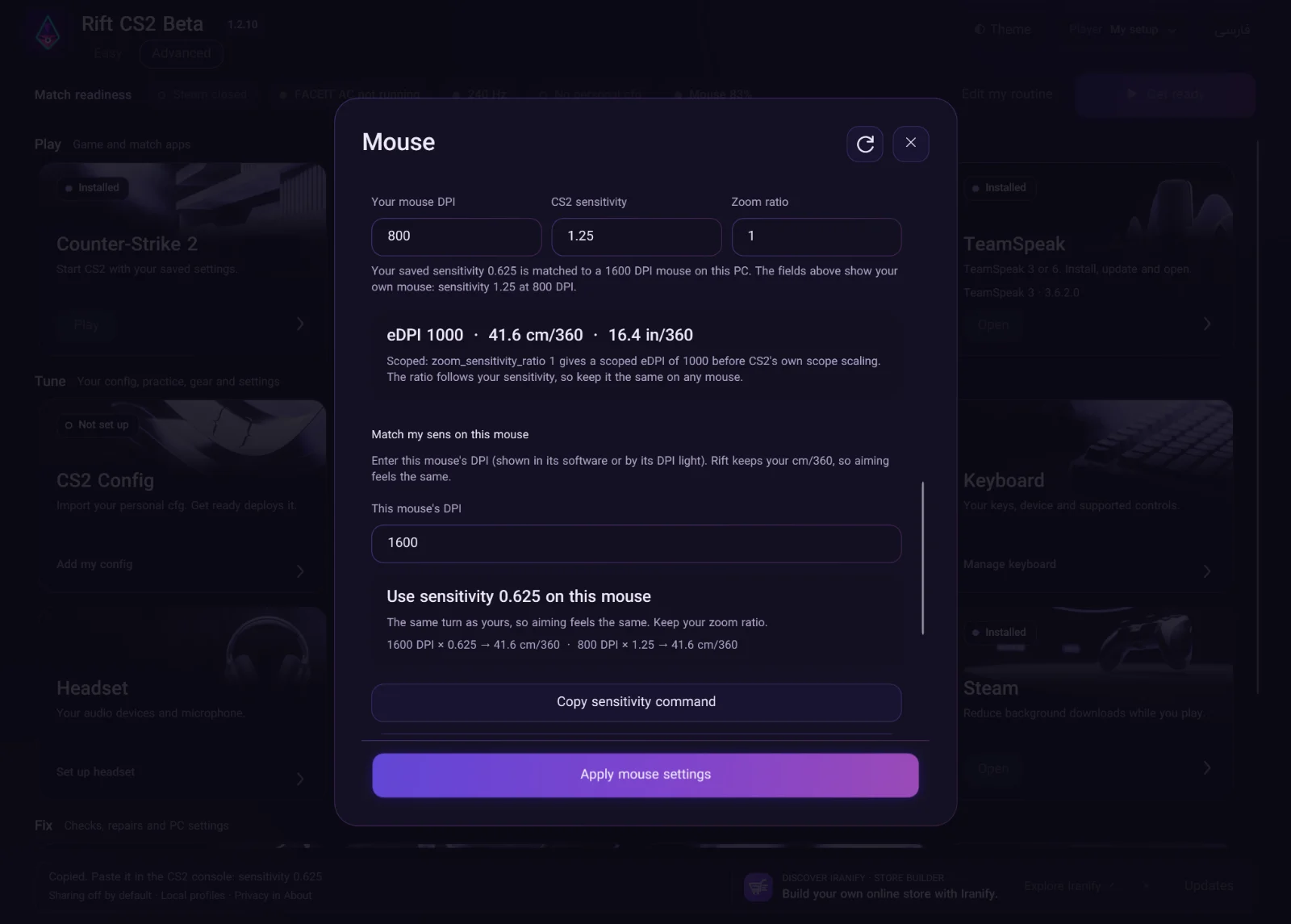
  • English and Persian, player profiles and restore controls.
  • The installer is ready for testing on personal and shared PCs.
THE RIFT COMMUNITY
More time for the next match.
Usage counters coming soon
Reported installations
—
First successful CS2 setups
—
Active in the last 30 days
—
Completed installer downloadsDownload tracking not available yet
—

Anonymous, optional app reports. Installations aren’t unique people or PCs.

Counts full Rift installer transfers from this server, including repeat downloads, not unique people. Partial transfers are excluded; a range covering the entire installer counts.

Free
Download for Windows
Windows · x64
Free download & releases

Get the latest release, browse previous versions and check installer details.

Who it’s for

Players in Iran and around the world who want to spend less time preparing Windows.

What I’m building

Supported settings, match-app launches and automatic preparation, with opt-in mouse changes and restore controls.

What’s next

The free Windows installer is available with release notes and previous versions. Next: testing on more personal and shared PCs.

THE WORKFLOWمسیر کار

Prepare. Play. End your session.آماده شوید. بازی کنید. جلسهٔ بازی را به پایان برسانید.

A session from preparation to cleanup, with the choices left to the player.از آماده‌سازی تا پایان نشست، با انتخاب‌هایی که در دست بازیکن می‌مانند.

  1. Review your choicesبررسی انتخاب‌ها

    Choose a player profile, review its settings and use Keep PC settings for a first launch test.پروفایل بازیکن را انتخاب کنید، تنظیمات آن را ببینید و برای آزمایش اول، «با تنظیمات همین سیستم · بعدی» را بزنید.

  2. Get ready in your appsآماده‌شدن در برنامه‌ها

    Follow the Steam, voice chat and FACEIT steps. Sign-in, routing and anti-cheat checks happen in those apps.مرحله‌های Steam، گفت‌وگوی صوتی و FACEIT را دنبال کنید. ورود به حساب، انتخاب مسیر و بررسی آنتی‌چیت در خود برنامه‌ها انجام می‌شود.

  3. End and checkپایان و بررسی

    Close CS2, choose End my session and check the restore results for Rift’s recorded system changes.CS2 را ببندید، «پایان بازی من» را بزنید و نتیجهٔ بازگردانی تغییرات ثبت‌شدهٔ ریفت را بررسی کنید.

Available as a free Beta. Start on one PC and check the results before using it elsewhere.به‌صورت بتای رایگان در دسترس است. از یک سیستم شروع کنید و پیش از استفاده روی سیستم دیگر، نتیجه را بررسی کنید.

THE ENGINEERINGپشت صحنه

How I built itپشت صحنهٔ ساخت

A Windows tool that brings supported settings, match apps and restore controls into a guided flow.ابزاری برای ویندوز که تنظیمات پشتیبانی‌شده، برنامه‌های بازی و بازگردانی تغییرات را در یک مسیر راهنما جمع می‌کند.

Free public Beta; hardware behavior and FACEIT readiness need checks on the player’s PC.نسخهٔ بتای عمومی و رایگان است؛ عملکرد روی سخت‌افزار و آماده بودن FACEIT باید روی کامپیوتر بازیکن بررسی شوند.

COMMUNITY REVIEWSنظرهای کاربران

Share your experience.تجربهٔ خود را بنویسید.

Read reviews or leave your own. Your name is optional.نظرها را بخوانید یا تجربهٔ خود را بنویسید. نوشتن نام اختیاری است.

Read & write reviewsخواندن و نوشتن نظر
04 / Stay connected

Let's talk.

Got an idea, a question, or just want to say hi? Send me an email or find me on Instagram.